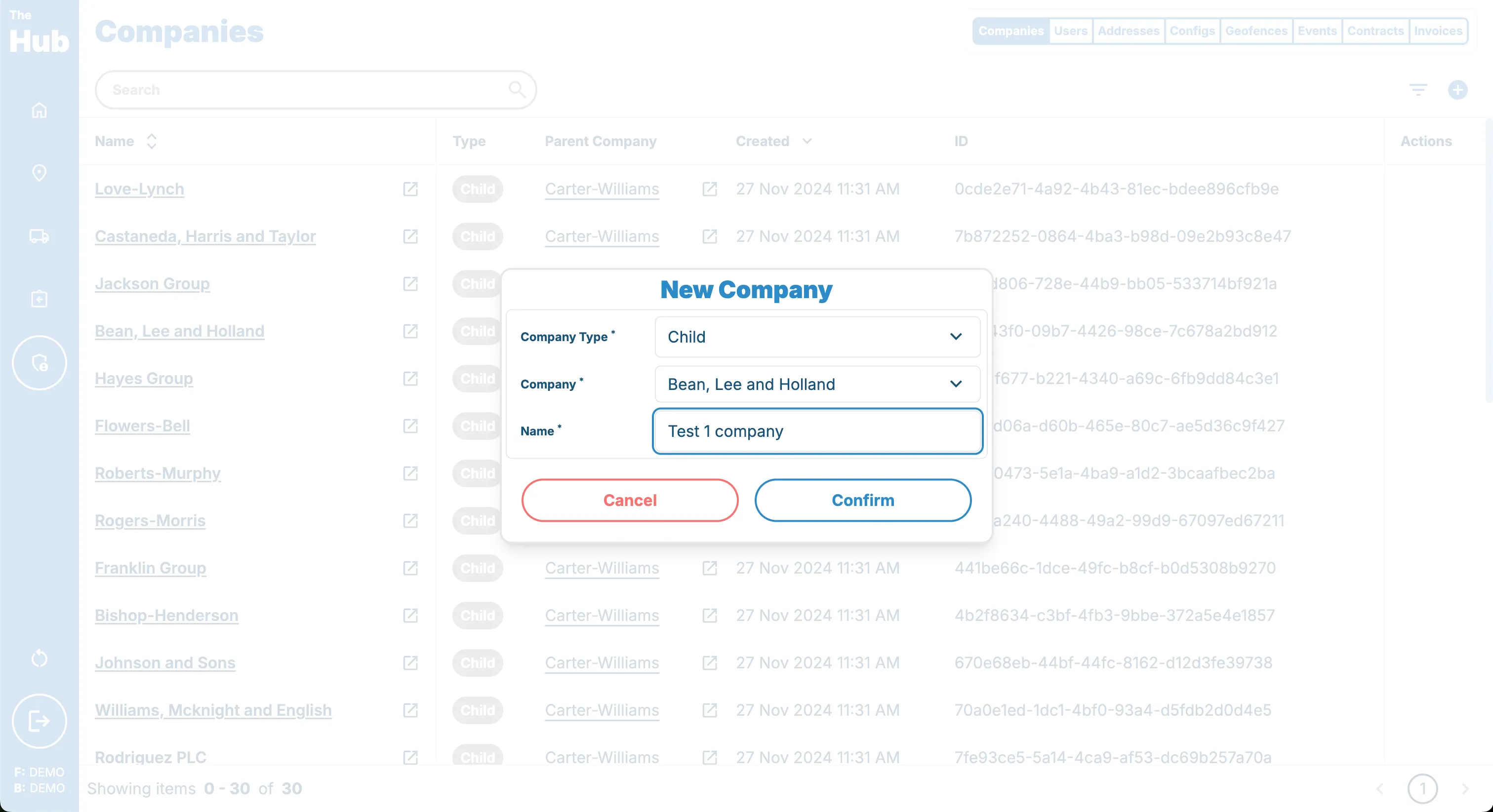
Creating a Child Company
Creating a child company on the Hub is a simple process.
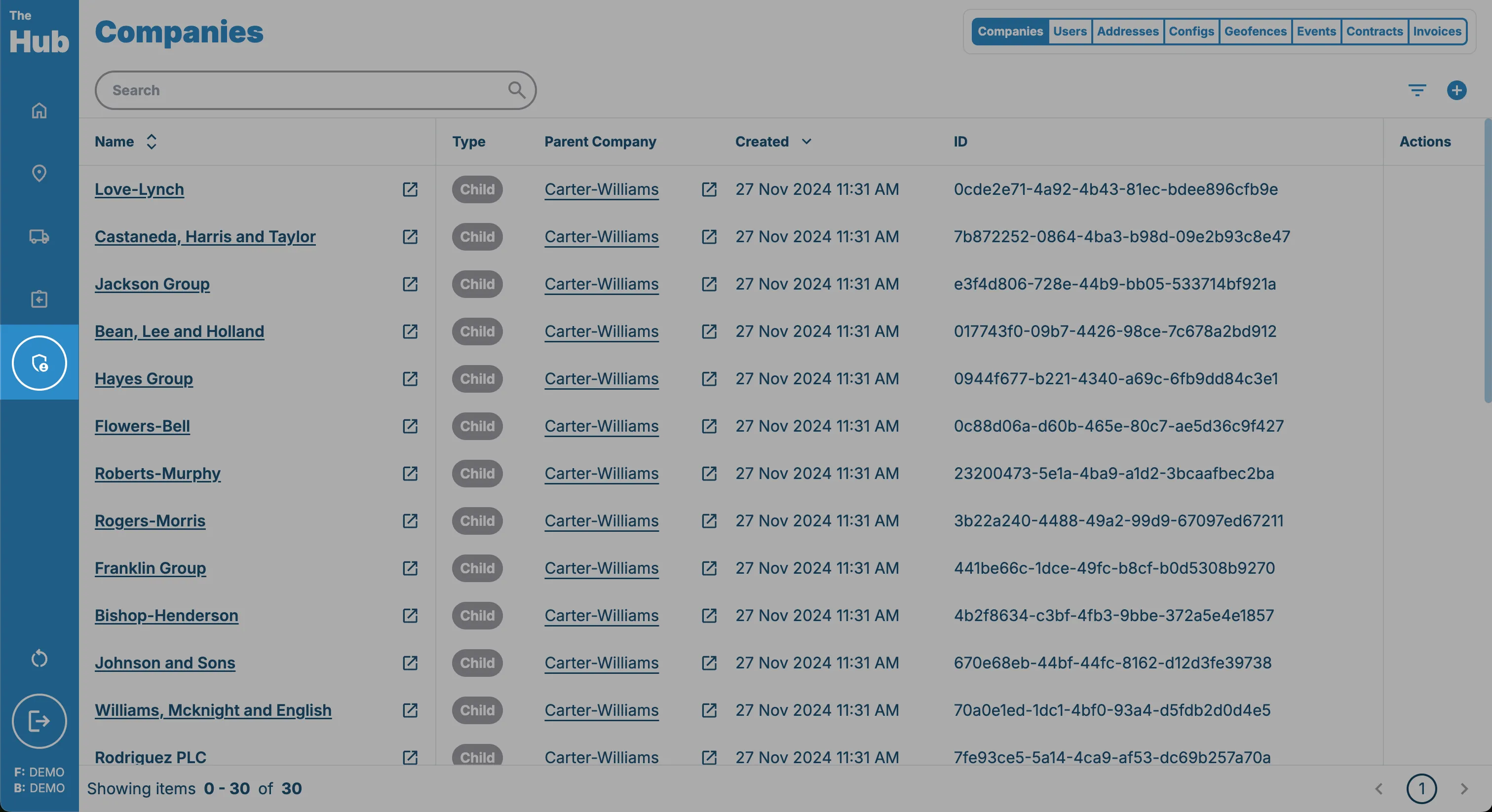
1. Click on the Admin tab in the sidebar.
This can be found on the left hand side of the screen.
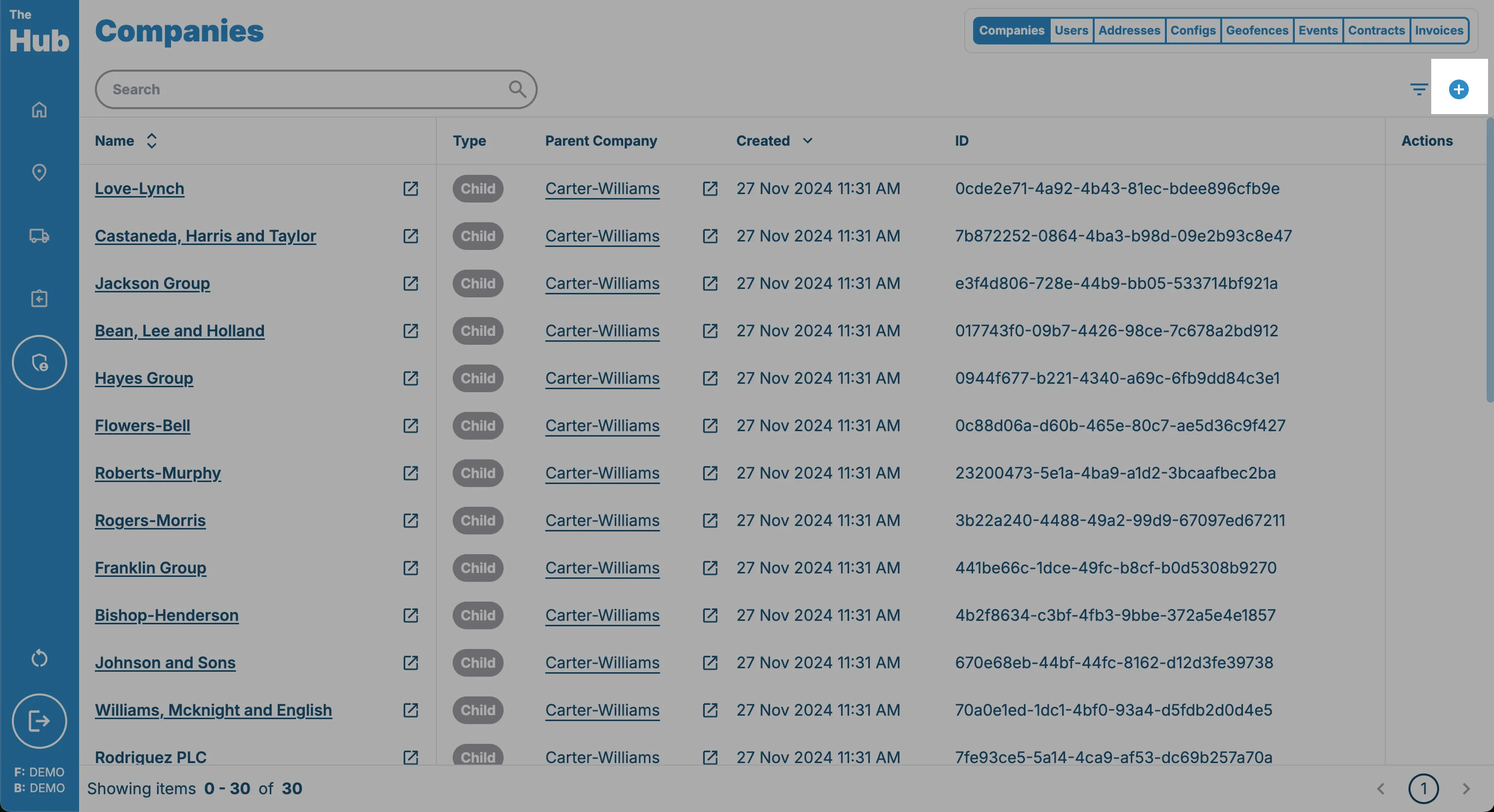
2. Click on the Create Company button.
This can be found in the top right hand corner of the screen. This is only visible if the logged in user has one of the following permissions:
- Owner
3. Select the Type
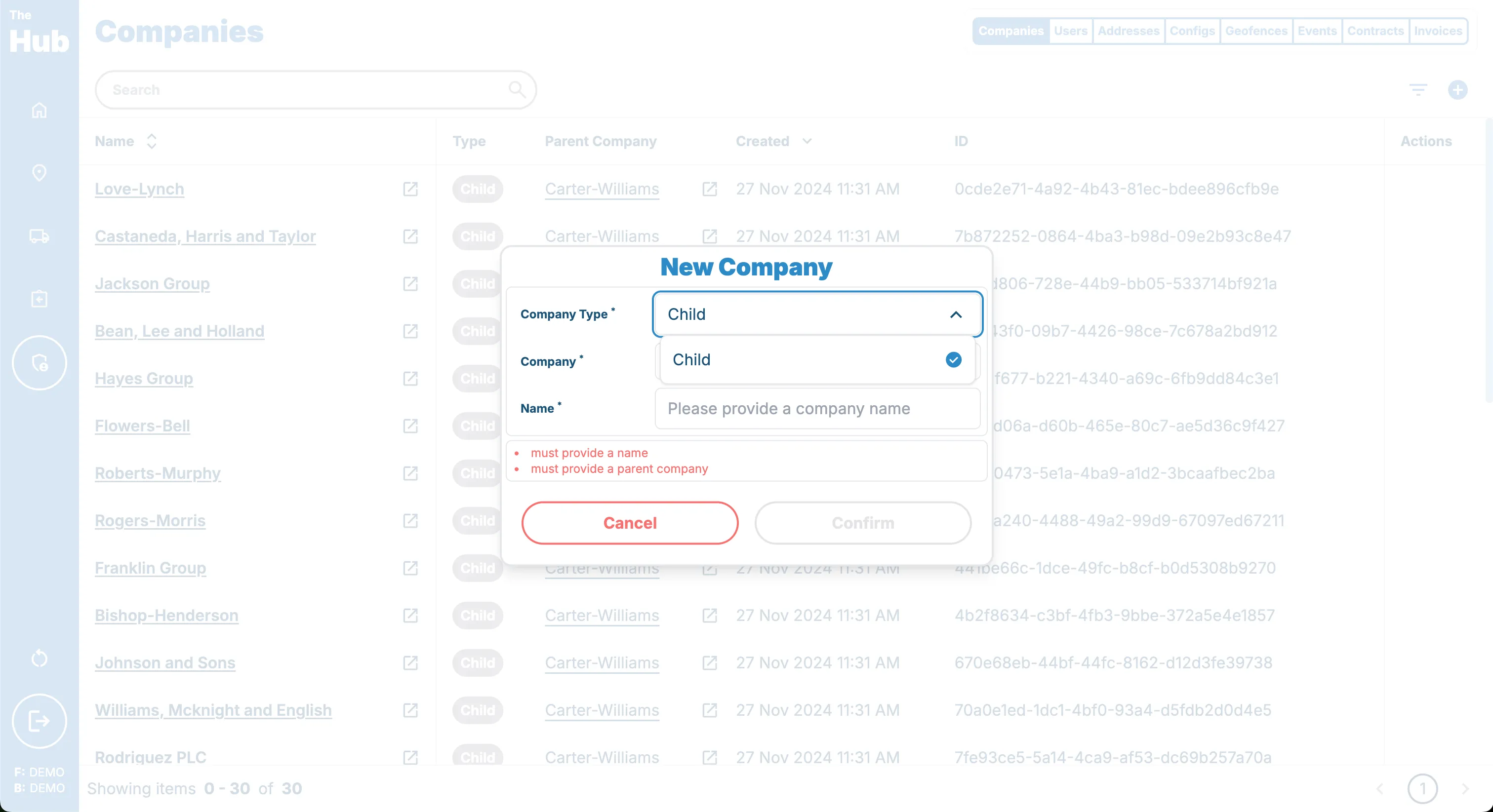 will only be child company.
4. Select the Parent Company that the order will sit under.
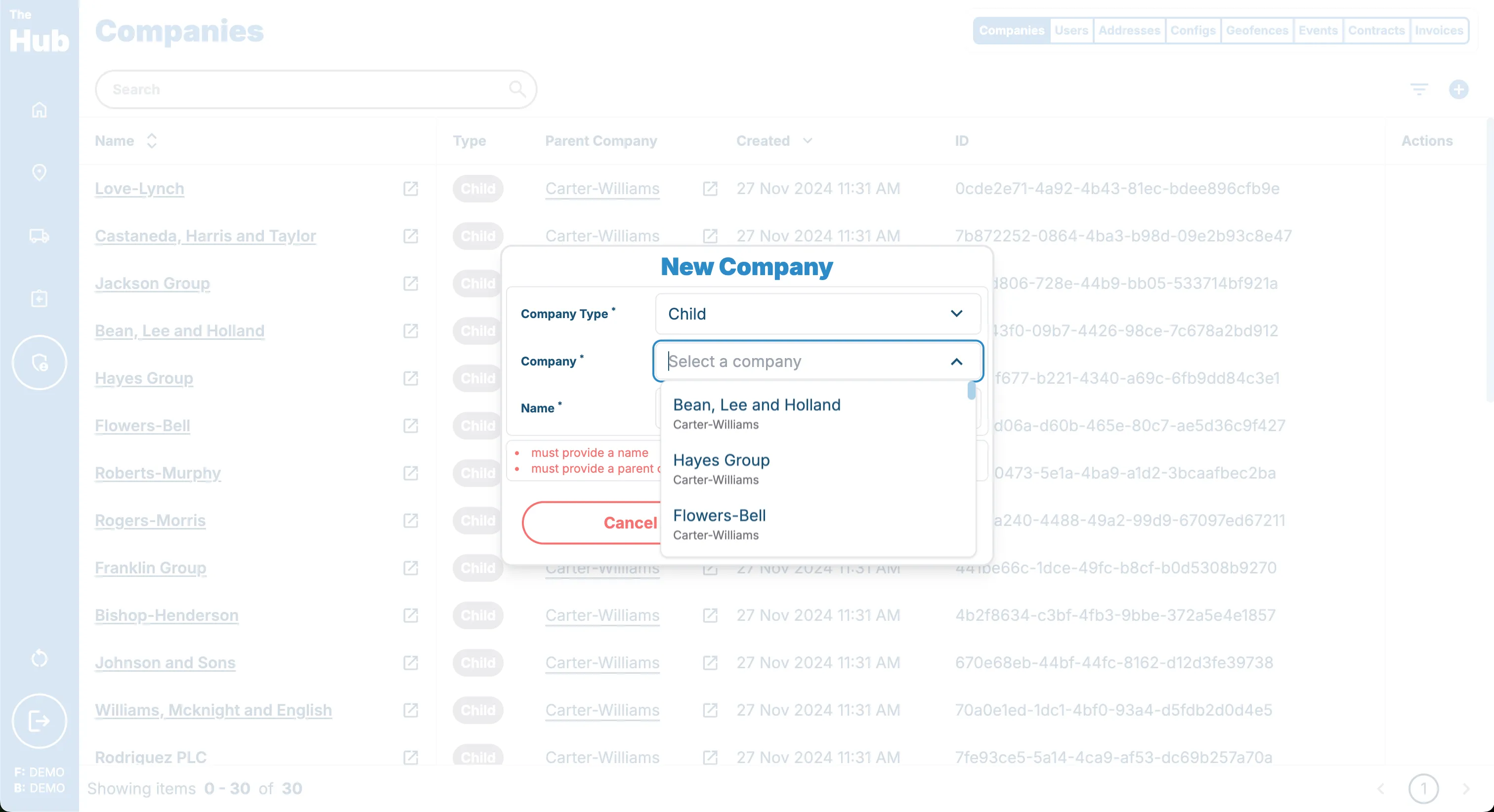 The company you create will be a child of the selected parent company.
5. Enter the Company Name