Creating an Email Alert
A full list of options can be found in the Events reference page.
Please note: events apply to all journeys under the company the event is created in. More on how this works is described under the Company page.
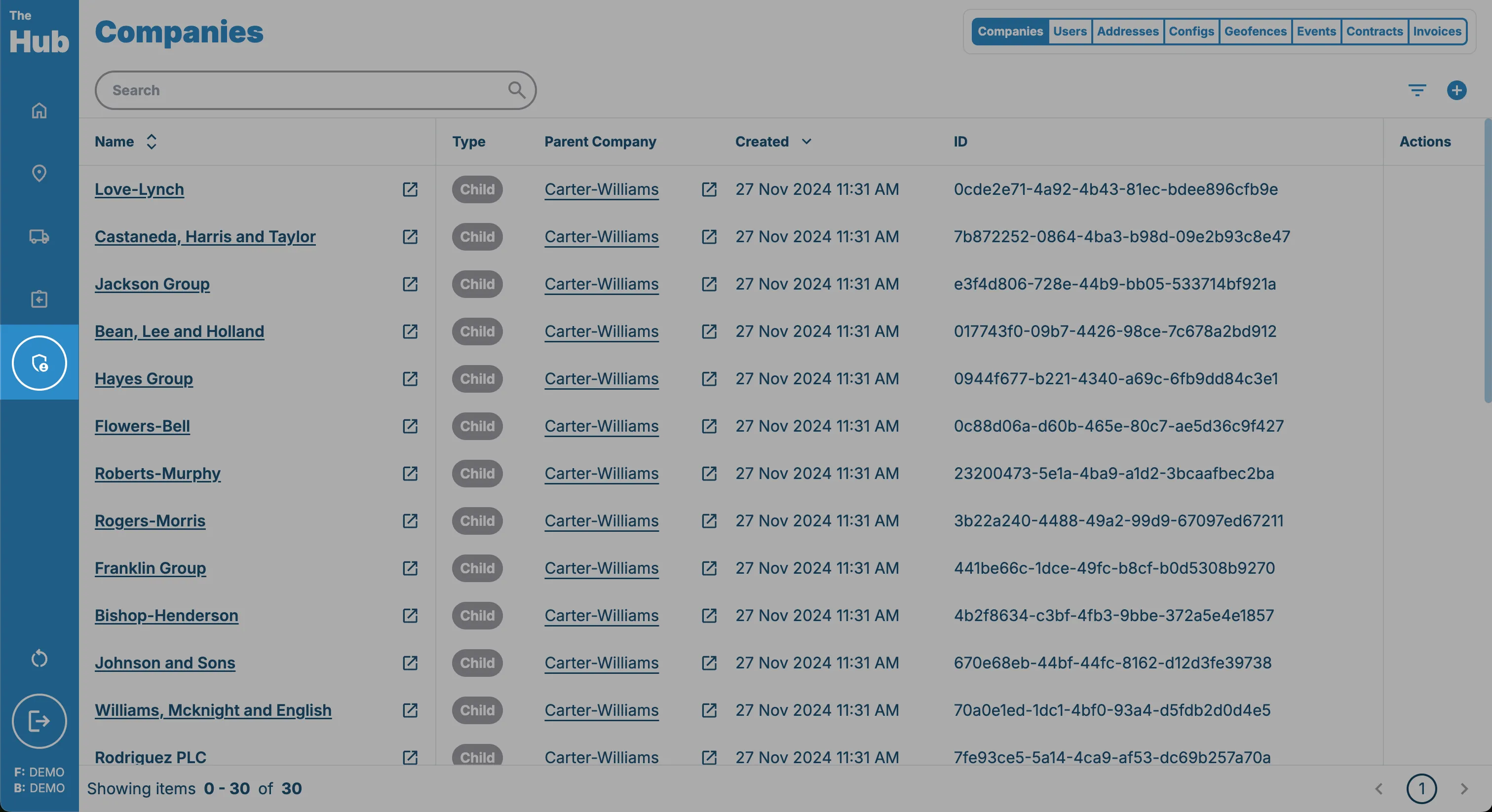
1. Click on the Admin tab in the sidebar.
This can be found on the left hand side of the screen.
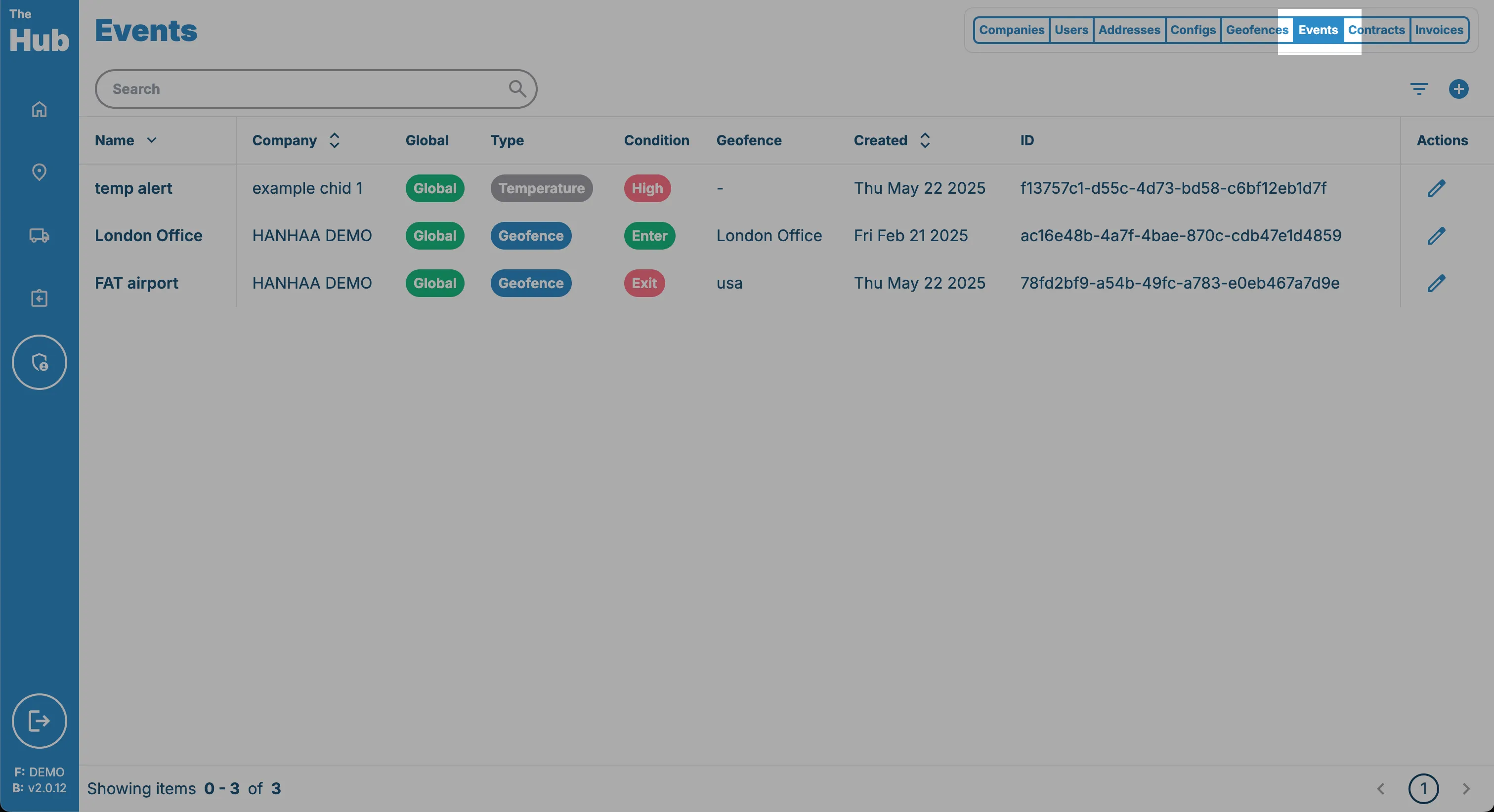
2. Click on the Events tab.
This can be found in the top right toolbar under the Admin page.
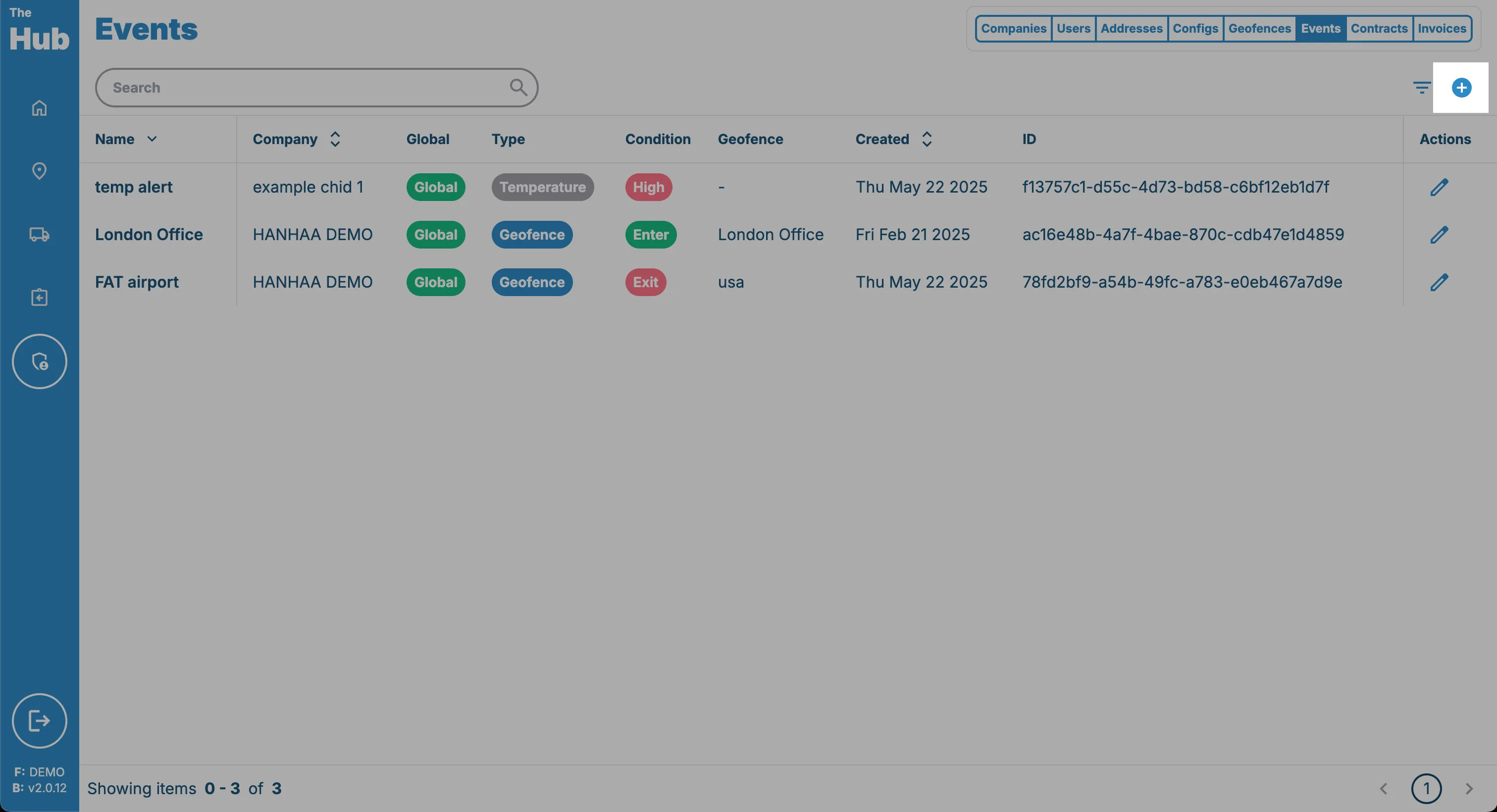
3. Click on the Create Event button.
This can be found in the top right hand corner of the screen. This is only visible if the logged in user has one of the following permissions:
- Owner
- Shipment Manager
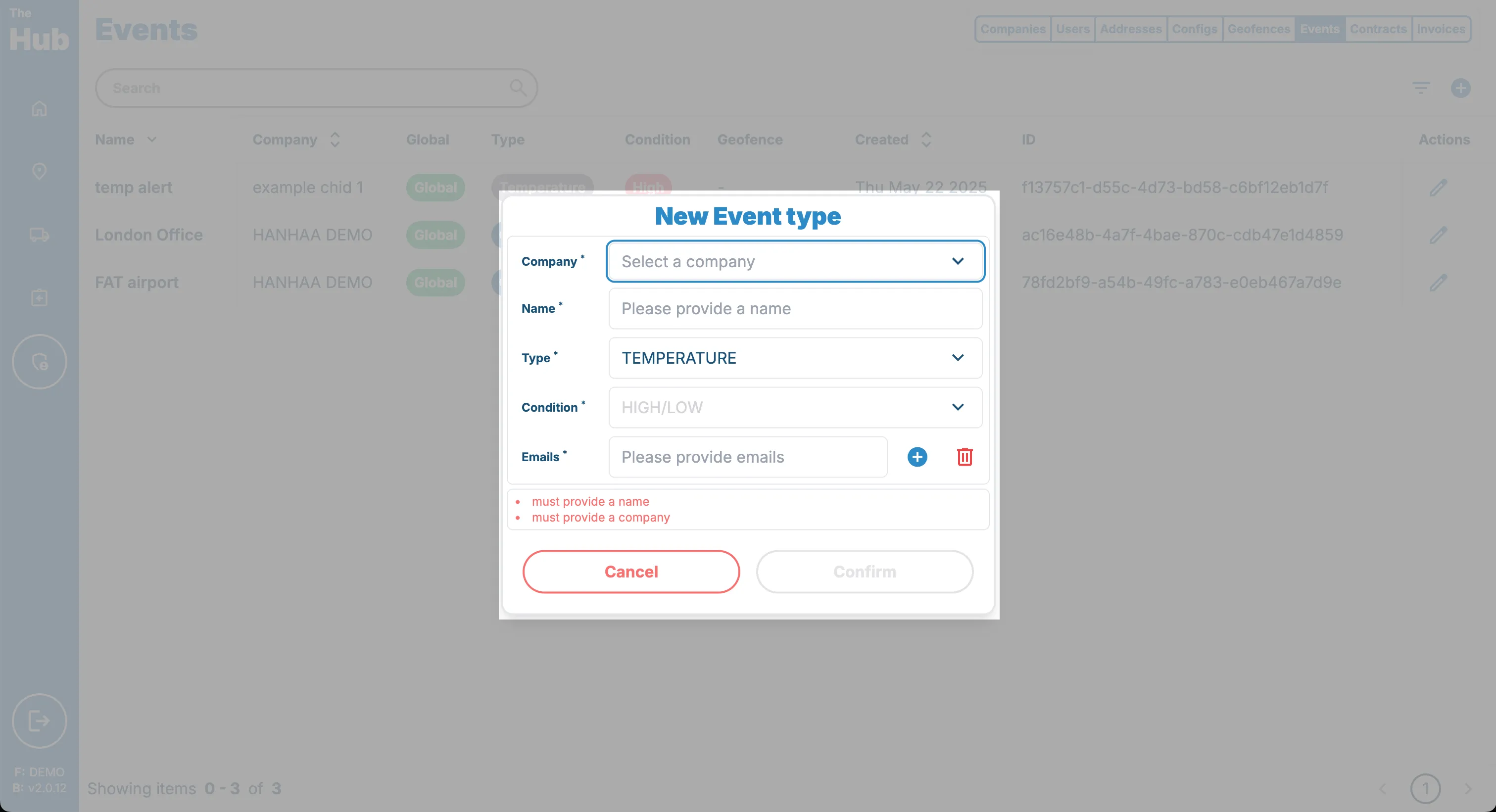
4. Enter the Configuration
Enter all the relevant information for the event. a full description of what each does can be found in the Events reference page.