Creating an Order
Creating an order on The Hub is now easier than ever. You can do this directly through the portal itself.
Let’s go through the process of creating an order.
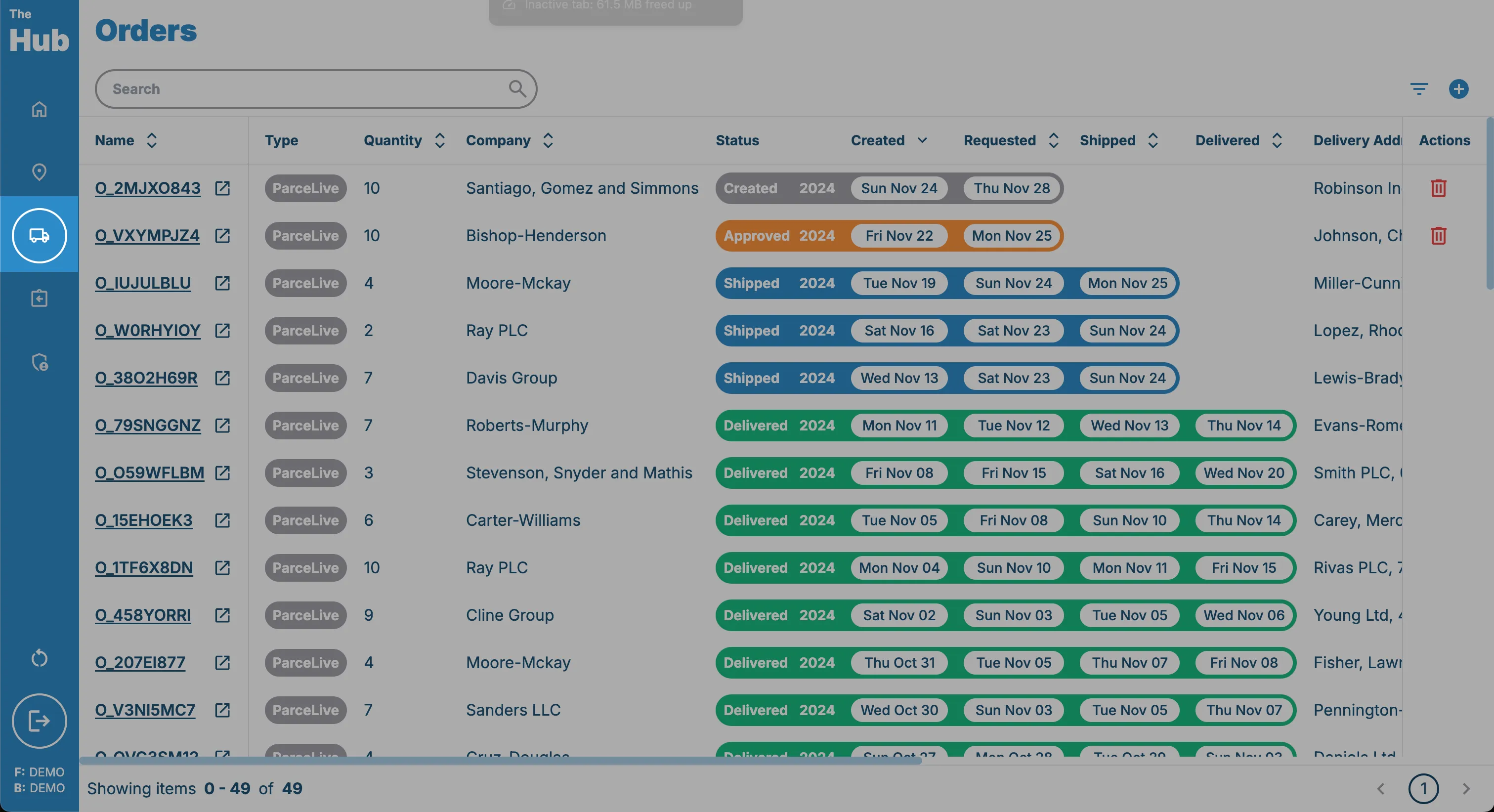
1. Click on the Orders tab in the sidebar.
This can be found on the left hand side of the screen.
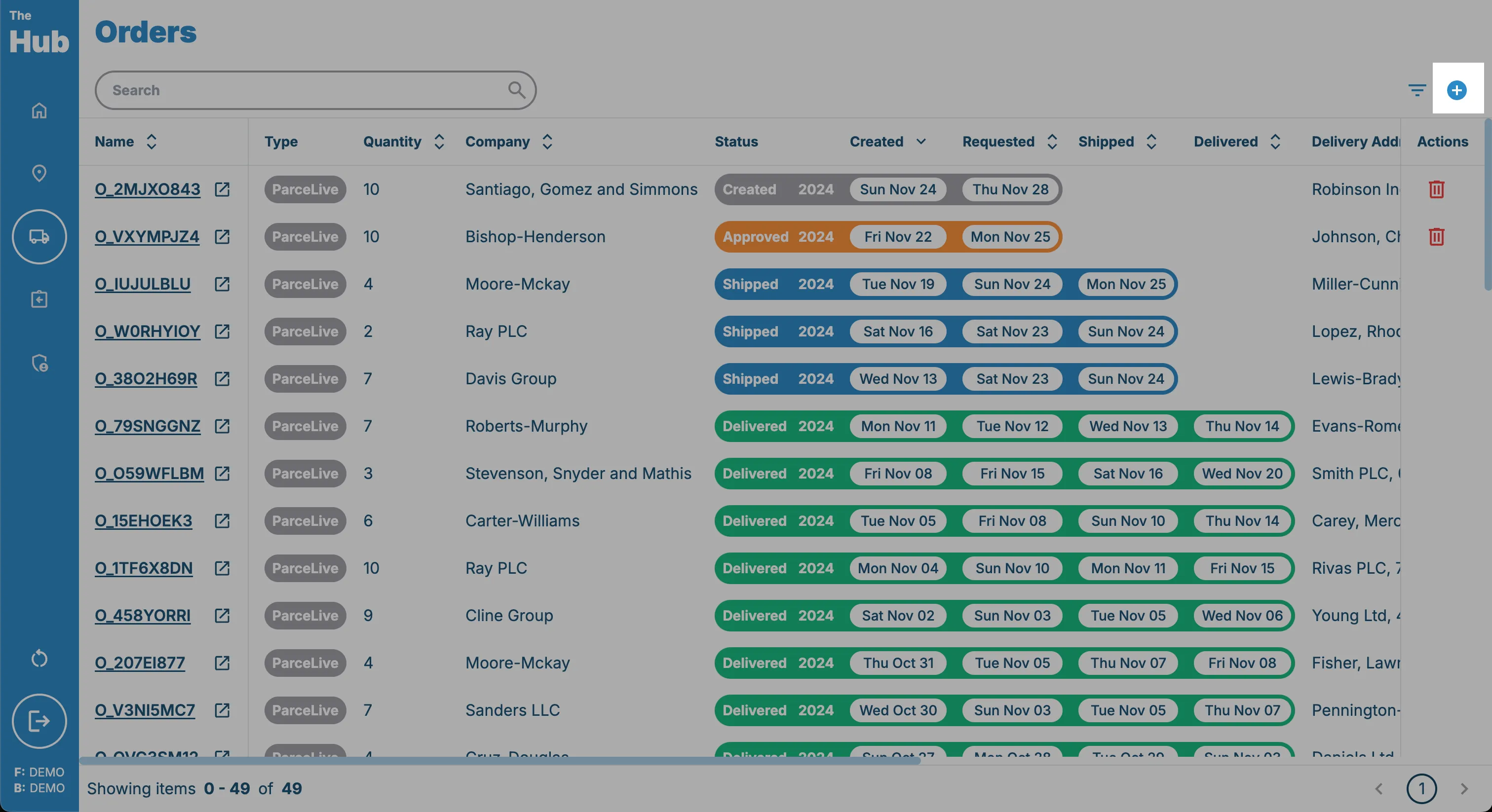
2. Click on the Create Order button.
This can be found in the top right hand corner of the screen. This is only visible if the logged in user has one of the following permissions:
- Owner
- Shipment Manager
3. Select the Company you wish to create an order for.
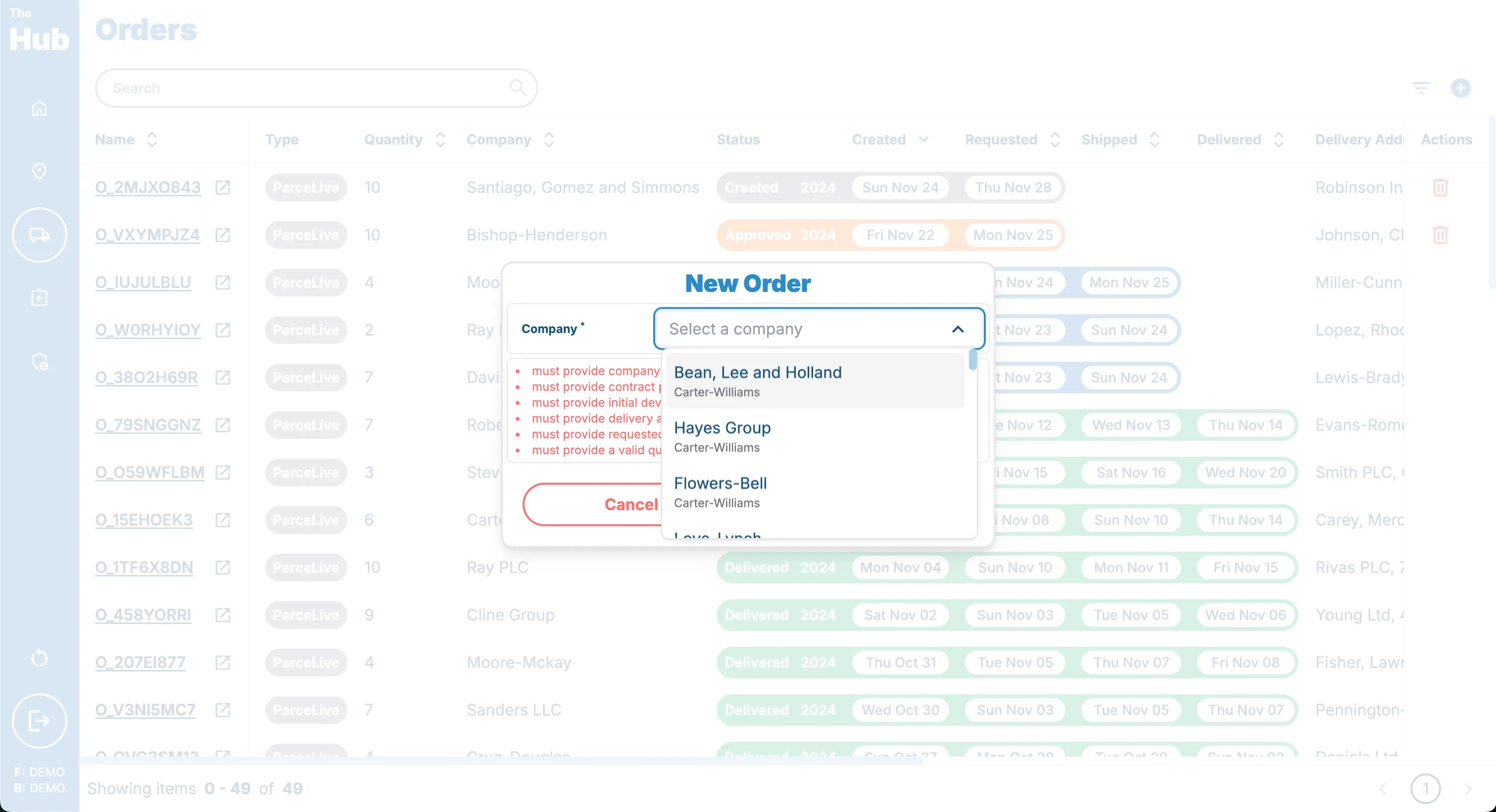 If you do not have ant companies yet you can create a company following the Creating a Company guide.
4. Select the Product you wish to order.
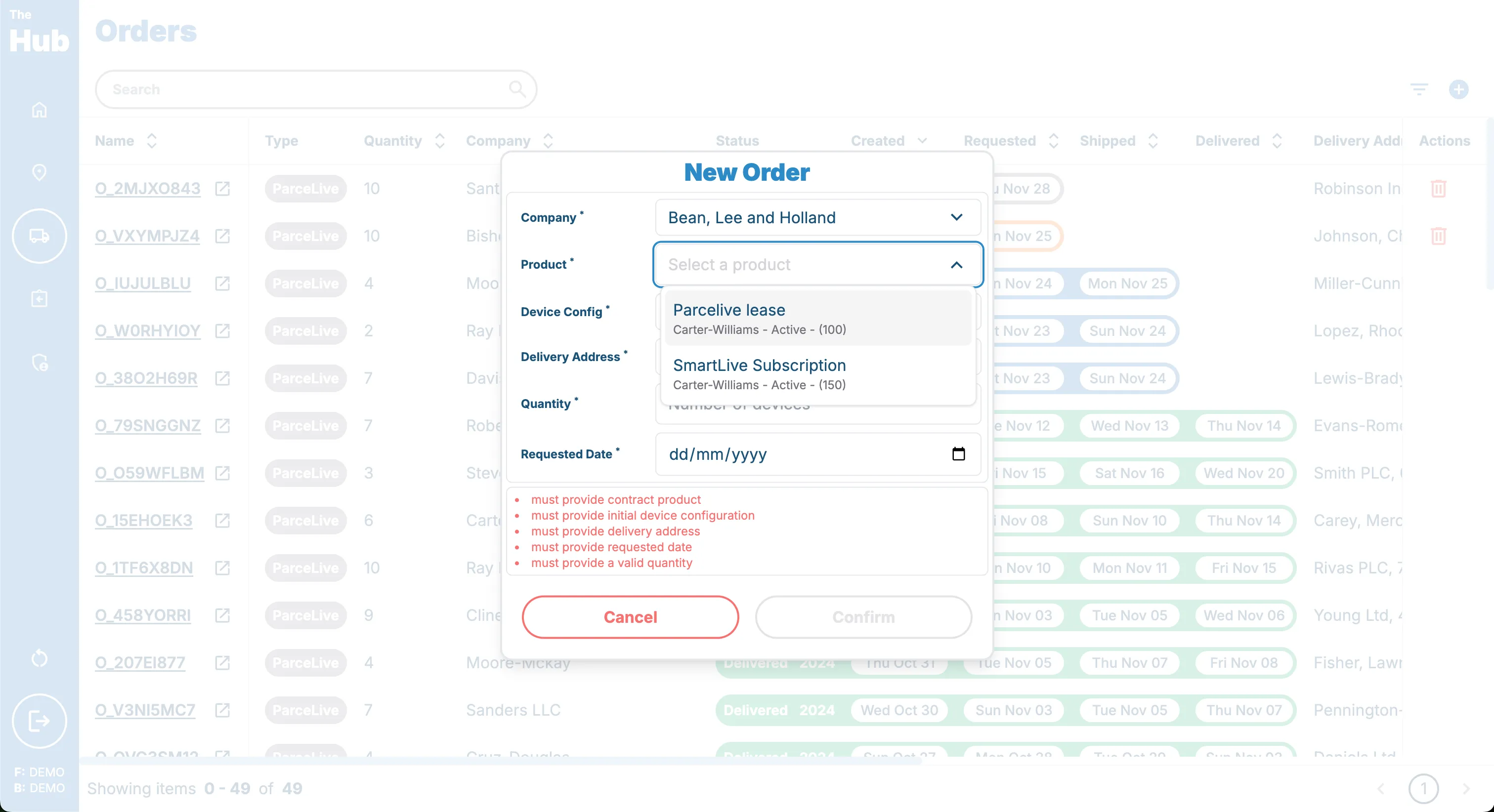 If you do not see any products please chat to your account manager about setting some up.
5. Select the initial Device Config you wish to add to the journeys.
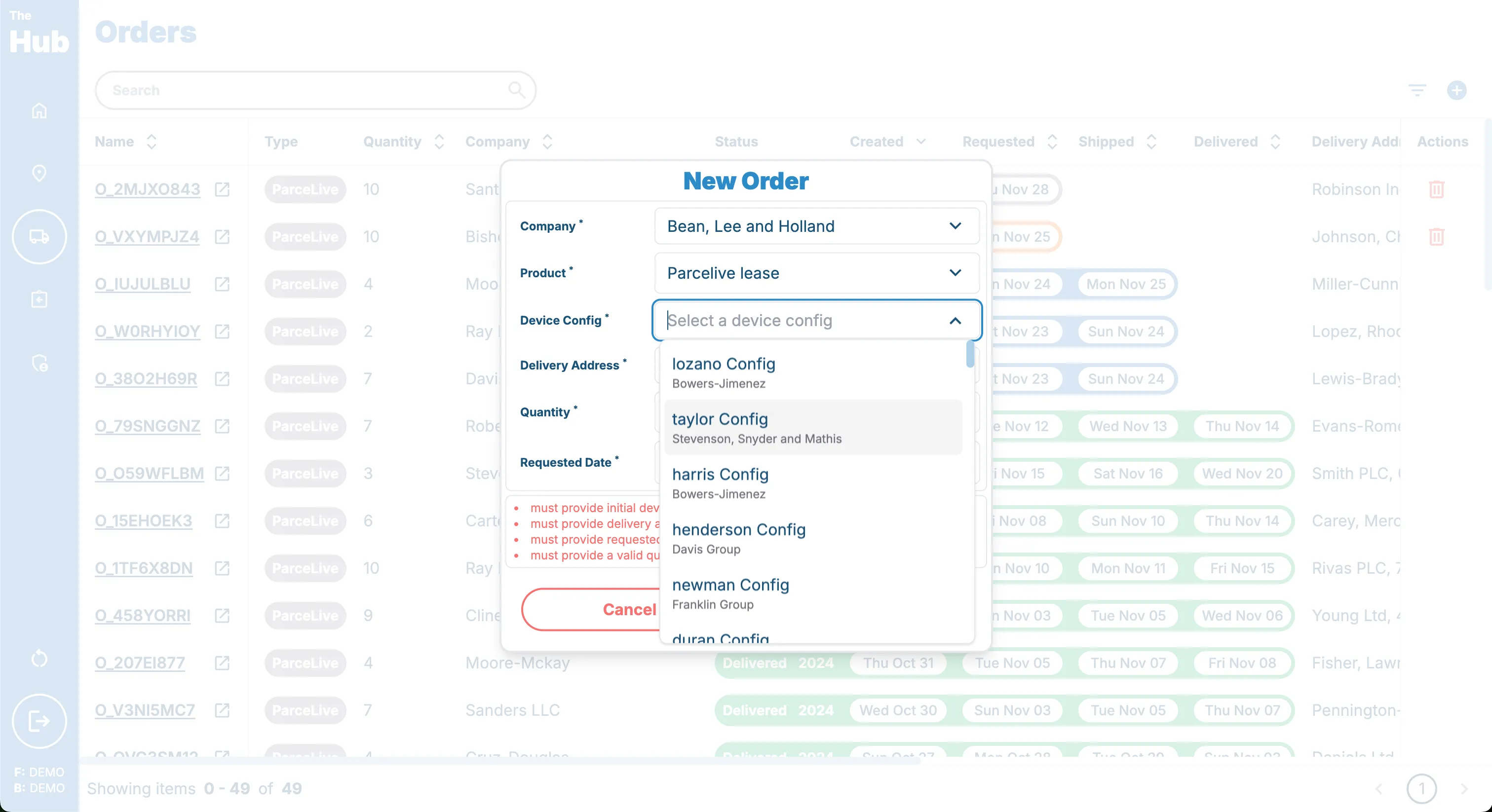 If you do not see any device configs you can create one following the Creating a Device Config guide.
6. Select the Delivery Address for the order.
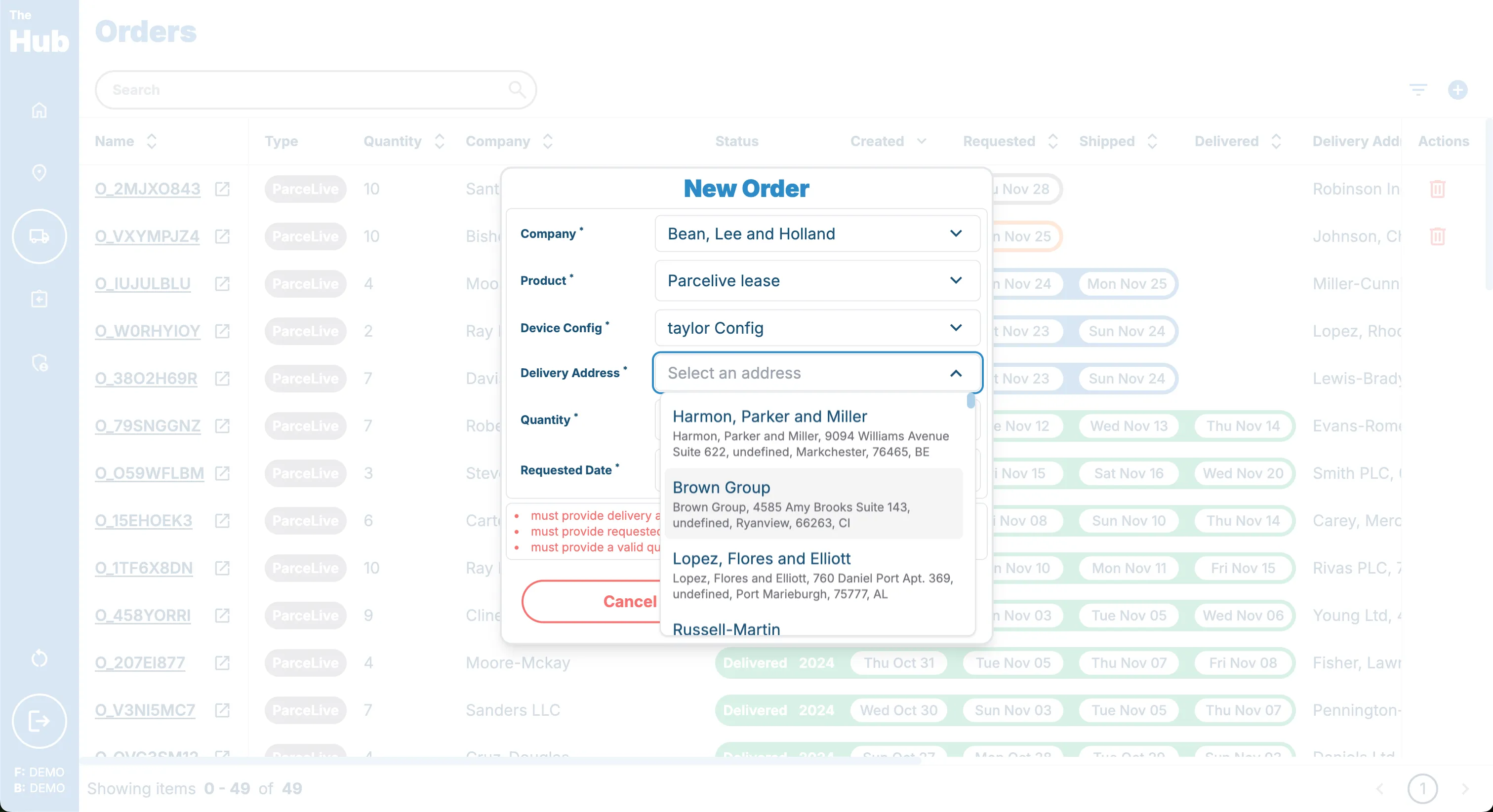 If you do not see any delivery addresses you can create one following the Creating a Delivery Address guide.
7. Select the Quantity of devices you wish to order.
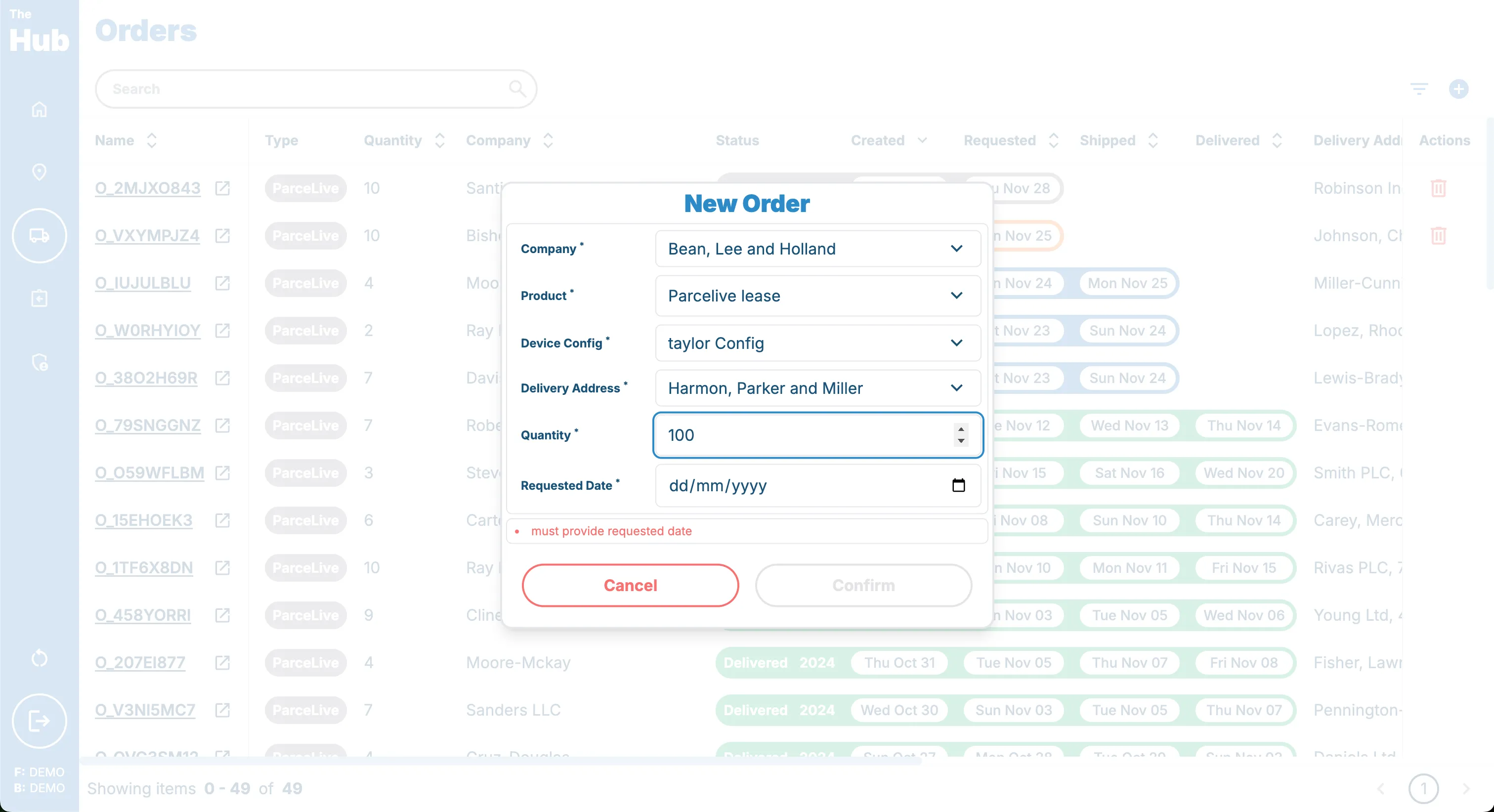
8. Select the Requested Delivery Date for the order.
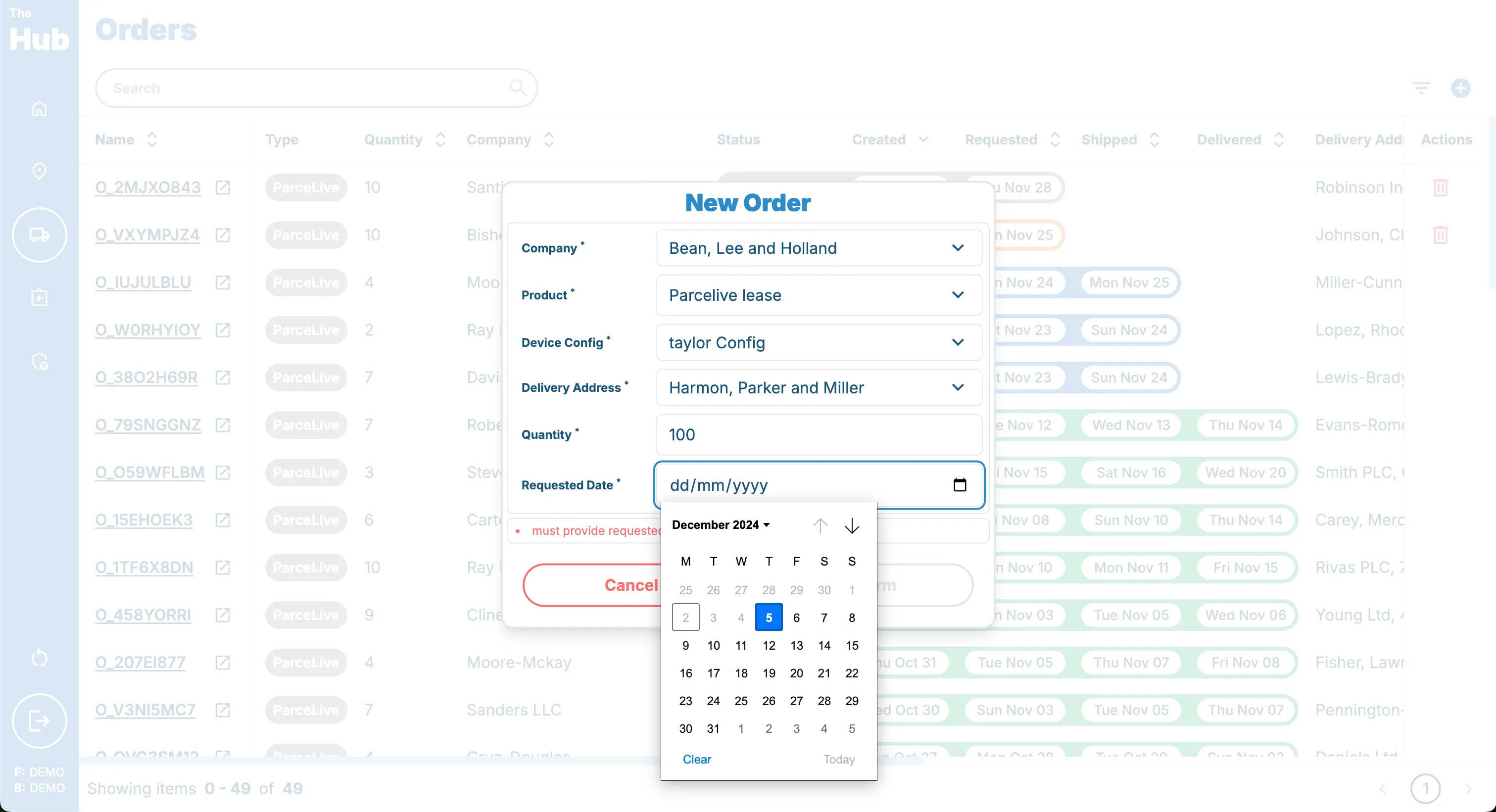 Orders can only be placed 3 days in the future to allow for device preparation and shipping.
9. Click on the Create Order button.
If you are unable to click the create order button then please check to see if there are any errors present on the form. They will be listed just above the crerate order button in red.